
We've all been there. Hundreds (or thousands) of bookmarks scattered across folders with names like "Misc," "To Read," and "Important!!!" that haven't been opened in months.
If finding a saved link feels like searching for a needle in a digital haystack, you're not alone. Studies show the average internet user has over 200 bookmarks, but regularly uses less than 7% of them.
This guide will transform your bookmark chaos into an organized, searchable, and actually useful resource.
The Hidden Cost of Bookmark Disorder
Before diving into solutions, let's understand the problem:
- Time Waste: Average of 5 minutes daily searching for saved links
- Duplicate Saves: 30% of bookmarks are duplicates
- Digital Hoarding: 65% of bookmarks are never revisited
- Lost Resources: Valuable information becomes effectively inaccessible
The Foundation: Choosing Your System
Traditional Folder Structure
The classic approach still works when done right.
Pros:
- Native to all browsers
- No learning curve
- Works offline
- Free
Cons:
- Limited to hierarchical organization
- No tagging or advanced search
- Difficult to maintain at scale
Tag-Based Systems
Modern bookmark managers use tags instead of (or alongside) folders.
Pros:
- Multiple categorization options
- Powerful search capabilities
- Flexible organization
- Better for large collections
Cons:
- Requires discipline
- Can become overwhelming
- Often needs third-party tools
The 5-Step Bookmark Organization Method
Step 1: The Great Purge
Start fresh. Export your bookmarks and review each one:
- Delete broken links (use a link checker tool)
- Remove duplicates (many managers do this automatically)
- Eliminate aspirational saves (be honest about what you'll actually read)
- Archive outdated content
Pro tip: If you haven't accessed it in 6 months, you probably don't need it.
Step 2: Create Your Structure
Design a system that matches how you think, not how you think you should organize.
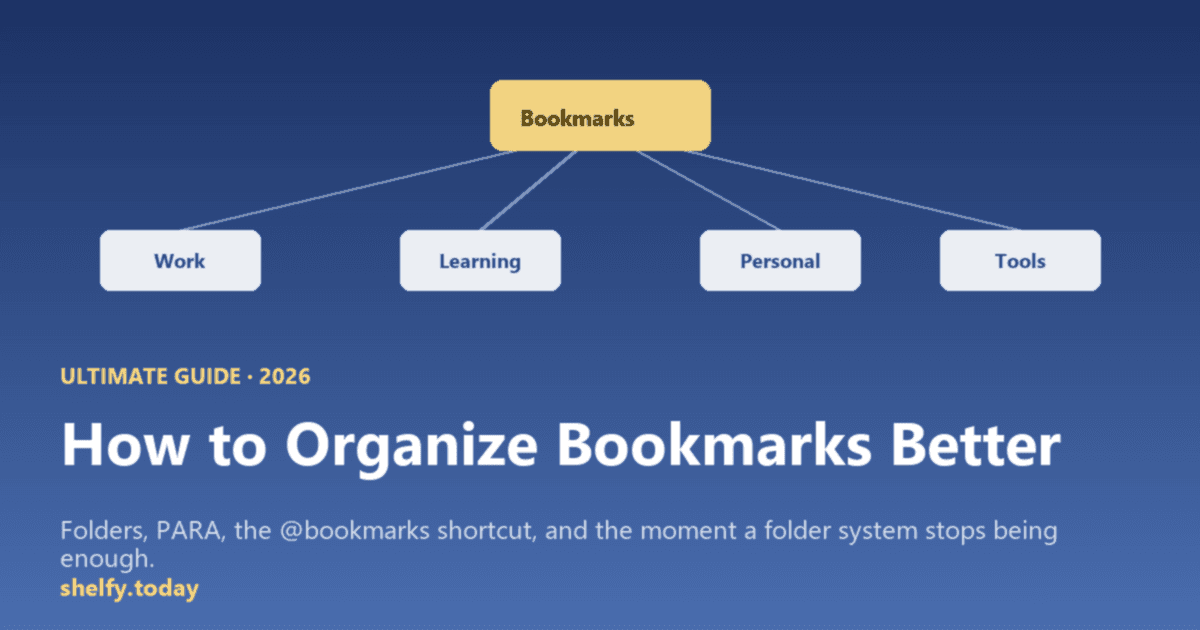
Recommended Folder Structure:
📁 Quick Access (5-10 most used)
📁 Work
  └── 📁 Projects
  └── 📁 Resources
  └── 📁 Tools
📁 Learning
  └── 📁 Courses
  └── 📁 Tutorials
  └── 📁 Documentation
📁 Personal
  └── 📁 Finance
  └── 📁 Health
  └── 📁 Hobbies
📁 Reference
  └── 📁 How-To
  └── 📁 Templates
  └── 📁 Inspiration
📁 To Process (temporary holding)
Step 3: Implement Naming Conventions
Consistency is key. Choose a format and stick to it:
- Use prefixes: "2025-02 | Article Title" for chronological sorting
- Add context: "Python - Data Analysis with Pandas [Tutorial]"
- Include status: "✓ Completed" or "⏸ In Progress"
- Emoji indicators: 🎯 Priority, 📚 Read Later, ⭐ Favorite
Step 4: Establish Processing Workflows
Create a system for new bookmarks:
- Quick Save → "To Process" folder
- Weekly Review → Organize into proper folders
- Monthly Audit → Delete or archive unused links
- Quarterly Clean → Restructure as needed
Step 5: Choose Your Tools
Browser-Native Solutions
Chrome/Edge Collections
- Built-in organization
- Cross-device sync
- Visual previews
- Notes feature
Firefox Containers
- Separate work/personal
- Color coding
- Multi-account support
Third-Party Bookmark Managers
Shelfy (Best for Curated Link Collections)
- Organized collections (not messy folders)
- Community voting on best links
- Public sharing capabilities
- Team collaboration
- REST API for automation
- Custom domains
- Completely free forever
- Perfect for: Resource lists, recommended tools, curated reading lists
- Try Shelfy →
Raindrop.io (Best for Private Bookmarks)
- Beautiful interface
- Powerful tagging
- Full-text search
- Collaboration features
- Free tier available
Notion
- Database approach
- Custom properties
- Advanced filtering
- Integration with notes
- Read-later focus
- Article view
- Tagging system
- Recommendations
Pinboard
- Minimalist design
- Social features
- API access
- Archive option
Advanced Organization Techniques
The PARA Method
Adapted from productivity expert Tiago Forte:
- Projects: Active work bookmarks
- Areas: Ongoing responsibilities
- Resources: Future reference
- Archive: Inactive items
The Dewey Decimal Approach
Number your main categories:
- 100 - Work
- 200 - Learning
- 300 - Personal
- 400 - Entertainment
- 500 - Reference
The Action-Based System
Organize by intended action:
- 📖 Read
- 🎬 Watch
- 🛠 Use
- 🛒 Buy
- 📚 Reference
Maintaining Your System
Daily Habits
- Save new bookmarks to "To Process"
- Use descriptive titles immediately
- Add tags while context is fresh
Weekly Review (15 minutes)
- Process temporary saves
- Delete obsolete links
- Update folder structure
Monthly Maintenance (30 minutes)
- Review folder effectiveness
- Merge similar categories
- Archive completed projects
Power User Tips
Search Operators
Learn your bookmark manager's search syntax:
tag:important AND created:2025title:"JavaScript" NOT tag:archiveddomain:github.com
Keyboard Shortcuts
Ctrl/Cmd + D- Bookmark current pageCtrl/Cmd + Shift + O- Open bookmark managerCtrl/Cmd + B- Toggle bookmark bar
Browser Extensions
- OneTab: Consolidate tabs into a list
- Toby: Visual bookmark manager
- Save to Notion: Direct integration
Automation
Use IFTTT or Zapier to:
- Auto-save liked tweets
- Bookmark starred emails
- Sync across platforms
Common Mistakes to Avoid
- Over-categorizing - Too many folders become counterproductive
- Under-describing - "Interesting article" tells you nothing later
- Bookmark hoarding - Quality over quantity
- Ignoring search - Good search beats perfect organization
- One-size-fits-all - Adapt the system to your needs
Platform-Specific Tips
Chrome/Chromium
- Use bookmark groups for visual organization
- Enable bookmark bar folders for quick access
- Sync across devices with Google account
Firefox
- Utilize bookmark keywords for quick searches
- Use Live Bookmarks for RSS feeds
- Take advantage of bookmark backups
Safari
- Use Reading List for temporary saves
- Leverage iCloud sync for Apple ecosystem
- Create Smart Folders with search criteria
The 80/20 Rule for Bookmarks
Focus on the 20% of bookmarks you use 80% of the time:
- Pin essentials to bookmark bar
- Create shortcuts for frequent folders
- Use favicons for visual recognition
- Position by frequency of use
Measuring Success
Your bookmark system works when:
- ✅ Finding any bookmark takes < 10 seconds
- ✅ No duplicates exist
- ✅ Categories feel intuitive
- ✅ Adding new bookmarks is effortless
- ✅ Regular maintenance takes < 30 min/month
Alternative Approaches
The Public Collections Method
For links you reference frequently or share with others, consider curated collections:
- Shelfy - Organize links into public/shareable collections with voting
- Perfect for: Resource lists, tool recommendations, reading lists
- Benefits: Others can follow and get notified, vote on best links
The No-Bookmark Method
Some prefer using:
- Browser history + search
- Note-taking apps
- Read-later services
- Personal wiki
The Minimal Method
- Maximum 50 bookmarks
- No folders
- Delete after use
- Focus on search
Conclusion
The perfect bookmark system doesn't exist, but the perfect system for YOU does. Start with these principles:
- Keep it simple - Complexity kills consistency
- Review regularly - Systems need maintenance
- Adapt as needed - Your needs will evolve
- Use tools that fit - Don't force a solution
Remember: Bookmarks should save you time, not create work. If your system feels like a burden, simplify it.
Action item: Block 30 minutes this week to implement just Step 1 (The Great Purge). You'll be amazed at how much clarity this alone provides.
Your future self will thank you when that perfect resource is just two clicks away.
Want to go deeper? Pick the guide that fits you
This post covers the universal principles. The next step depends on your context. We have written audience-specific deep dives that take these principles further.
- Chrome power user? Best Way to Organize Chrome Bookmarks walks through the PARA method, the
@bookmarksOmnibox shortcut, and exactly when native Chrome stops being enough. - Student? Best Bookmark Organizer for Students tests seven tools on real research workflows, group projects, and shared reading lists.
- Teacher, librarian, or school IT? Best Bookmark Organizer for Schools covers free tier rollouts for a 30-student class, Google Workspace compatibility, and department resource libraries.
- Switching tools? Shelfy vs Raindrop and Shelfy vs Linktree compare the most-recommended options head to head.
Frequently Asked Questions
What is the best way to organize bookmarks?
Pick a system and commit. The two systems that survive are domains-of-life folders (Work, Personal, Learning, Health, Money, Travel, Tools) or PARA (Projects, Areas, Resources, Archive). Inside each top-level folder, sort alphabetically and use a consistent naming convention. Run a 10-minute weekly review to keep new arrivals filed and dead links removed. Once your library exceeds about 200 bookmarks or you need tags, full-text search, or sharing, graduate from native browser bookmarks to a dedicated tool.
What is the PARA method for bookmarks?
PARA stands for Projects, Areas, Resources, Archive. Projects are active work with a deadline. Areas are ongoing responsibilities without a deadline. Resources are topics of interest. Archive is everything inactive. The strength of PARA for bookmarks is that content cycles between folders (a bookmark moves from Resources to Projects when you start working on it, and from Projects to Archive when you finish), which keeps the library alive instead of decaying.
How many bookmarks is too many?
There is no hard cap, but most systems start to fail around 500 to 1,000 bookmarks if there's no method. The signals you've crossed the line: you cannot find a bookmark you saved last month, you save the same page in two folders because it belongs to both, your bookmark bar has more than 30 entries, or you spend more than 10 seconds searching for a known bookmark. Any of these means you need a real method or a real tool.